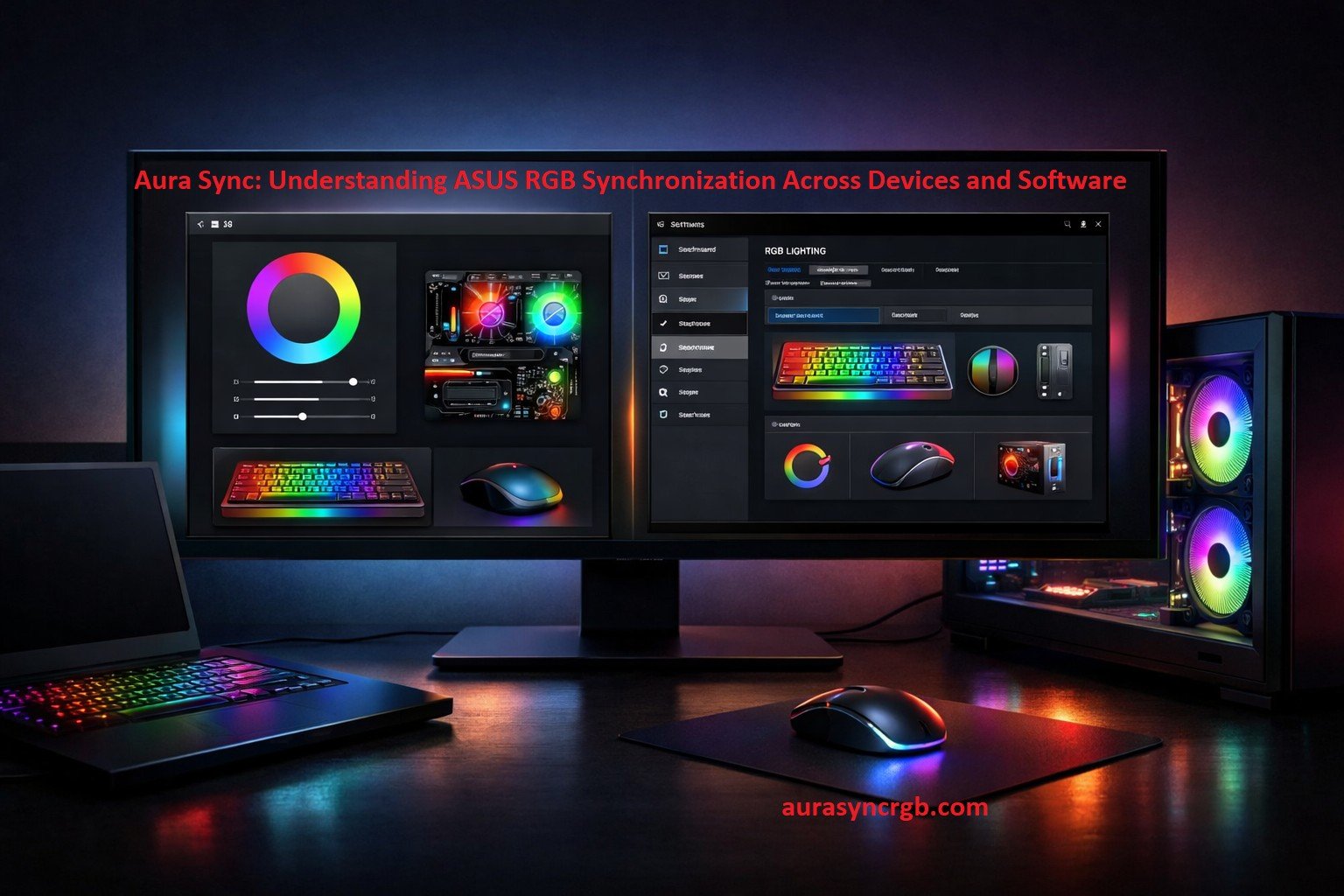
RGB lighting has become a standard feature in modern ASUS systems, but many users misunderstand how Aura Sync actually works. Aura Sync is not a single application, nor is it limited to one software environment. Instead, it is an RGB synchronization technology that can be accessed through different ASUS software layers depending on the device, generation, and use case.
This article explains Aura Sync as a system-level RGB technology, how it is accessed, where it fits in the ASUS ecosystem, and what users should realistically expect from it.
What Aura Sync Actually Is?
Aura Sync is ASUS’s RGB lighting synchronization technology designed to align colors and lighting effects across compatible hardware. Its primary role is to ensure that supported components behave as one coordinated lighting system rather than independent RGB elements.
Aura Sync itself does not depend on a single interface. Over time, ASUS has provided multiple access points to this technology, which is why users often see Aura Sync referenced in different software environments.
At its core, Aura Sync focuses on:
- RGB color consistency
- Effect synchronization
- Cross-device lighting control
- Hardware-level compatibility
How Aura Sync Is Accessed
Aura Sync can be accessed in different ways depending on system type, hardware generation, and ASUS software support. This is where most confusion begins.
Standalone Aura Sync (Legacy Systems)
On older ASUS systems, Aura Sync was available as a standalone utility. This version focused solely on RGB control and basic synchronization.
While still functional on some legacy setups, Aura Sync standalone is no longer the primary distribution method and is not updated as frequently as newer platforms.
Aura Sync Through Armoury Crate
On most modern ASUS desktops and gaming laptops, Aura Sync is accessed as a module within Armoury Crate. In this setup, Armoury Crate acts as a system management layer, while Aura Sync handles lighting synchronization.
Importantly, this does not change what Aura Sync is — it only changes how users access it. The RGB logic, supported effects, and hardware dependencies remain part of Aura Sync itself.
Aura Sync in MyASUS (Limited Control)
On some consumer and productivity laptops, basic Aura Sync lighting options appear inside the MyASUS app. This implementation is usually simplified and focused on onboard lighting such as keyboard zones or chassis LEDs.
This version offers fewer customization options but still relies on the same underlying Aura Sync technology.
Supported Hardware and Ecosystem
Aura Sync supports a wide range of ASUS and partner hardware, though compatibility varies by model.
Common supported categories include:
- ASUS motherboards
- Graphics cards
- RGB RAM modules
- Laptops with RGB keyboards
- Peripherals such as keyboards and mice
- LED strips and cases
- Selected monitors and accessories
Hardware support depends on firmware, chipset, and controller design rather than the software interface used.
Lighting Effects and Synchronization Logic
Aura Sync provides multiple lighting modes designed to work consistently across devices.
Common effects include:
- Static color
- Breathing
- Color cycle
- Rainbow
- Reactive effects
- Temperature-based lighting
- Audio-responsive modes
Effects can be applied globally or selectively, depending on hardware capability. Not all devices support every effect, which is a hardware limitation rather than a software issue.
Aura Sync as a Technology, Not an App
One common misconception is treating Aura Sync as a single application. In reality, Aura Sync is closer to a lighting control framework that different ASUS apps can access.
This explains why:
- The interface looks different across systems
- Features vary between devices
- Updates may affect detection but not lighting logic
- Some users see Aura Sync, while others see simplified controls
The technology remains the same even when the interface changes.
Common User Confusion and Issues
Most Aura Sync issues are not caused by the technology itself but by how it is accessed or configured.
Typical problems include:
- Devices appearing in one interface but not another
- Limited effects on certain laptops
- Conflicts with third-party RGB software
- Firmware mismatches
- Inconsistent sync across mixed-brand hardware
Understanding that Aura Sync is layered beneath multiple ASUS apps helps explain these behaviors.
Aura Sync Compared to Other RGB Technologies
Aura Sync is often compared with RGB ecosystems like Corsair iCUE, MSI Mystic Light, and Gigabyte RGB Fusion. Each operates differently depending on how tightly it is coupled with hardware.
Aura Sync works best when:
- The system primarily uses ASUS-compatible components
- Firmware and drivers are aligned
- Only one RGB ecosystem is active at a time
Mixed-brand environments may work but are more prone to limitations.
Practical Use Cases
Aura Sync is commonly used for:
- Creating a visually unified gaming setup
- Reducing visual distraction in work environments
- Providing temperature or system-state feedback
- Personalizing laptops and desktops without manual tuning
Its value depends more on hardware compatibility than on the specific software interface used.
Final Perspective
Aura Sync should be understood as an RGB synchronization technology that exists independently of any single ASUS application. Whether accessed through a standalone utility, a system management platform, or a lightweight support app, its purpose remains the same: coordinated RGB lighting across compatible devices.
Viewing Aura Sync through this lens helps users avoid confusion, set realistic expectations, and make better decisions when configuring ASUS hardware.