
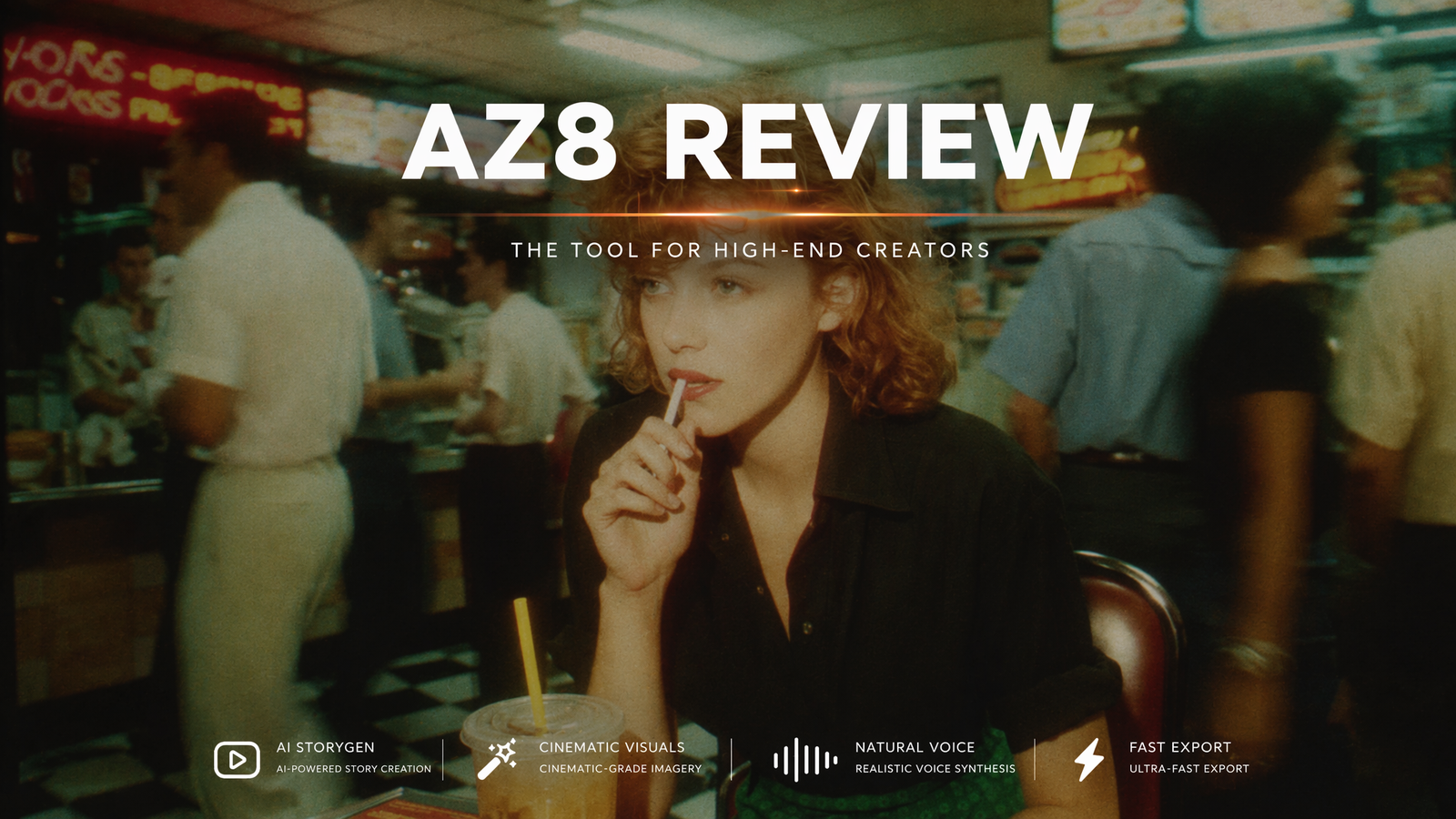
AI video generation can create impressive visuals, but the process behind those visuals is often difficult to manage. Creators may need to test prompts, build references, keep characters consistent, and compare many versions before reaching a usable result. AZ8 is designed for creators who want more control over that process, not just another quick video output.
What Is AZ8?
AZ8 is an AI video creation platform built around a canvas-based workflow. It helps creators plan scenes, generate key frames, manage references, create visual assets, and develop video projects in a more organized way.
The platform is best described as an AI video workstation. A simple text to video generator usually gives users one prompt box and one result. AZ8 takes a broader approach by helping users build a project through connected creative steps. A creator can start with a written idea, create reference images, generate video clips, organize assets, and refine the project over time.
AZ8 is mainly built for creators who need more control over AI video production. This includes AI filmmakers, visual storytellers, faceless video creators, AI artists, short video creators, and small creative teams. It can also be useful for marketers or content teams that need to turn early ideas into visual concepts.
The platform fits the growing demand for AI-native storytelling. More creators are using AI to build characters, scenes, short films, pilots, fictional worlds, and visual experiments. These projects usually need more than one clip. They need continuity, structure, and a way to manage creative materials. AZ8 gives creators a workflow that supports this kind of production.
For casual users who only need a quick test video, AZ8 may feel more advanced than necessary. But for creators who want to build repeatable AI video workflows, it offers a practical advantage.
Features of AZ8
The main feature of AZ8 is its canvas-based workspace. Creators can keep prompts, images, videos, references, audio ideas, and different versions in one place. This helps reduce the messy workflow that often happens when using multiple AI tools at the same time.
AZ8 Text to Video helps users turn written ideas into video scenes. A creator can describe a scene, character, action, mood, or visual style and use that prompt as part of a larger project. This supports text to video creation for cinematic scenes, story videos, concept testing, and social media content.
AZ8 Image to Video is useful when a creator already has a strong visual reference. An image can show character design, lighting, style, mood, and composition more clearly than text alone. For converting image to video, this gives the creator a stronger starting point and can make the result easier to control.
AZ8 also supports video to video AI workflows. This can help users refine an existing clip, test another style, or build a better version from previous material. It is useful when the first result has potential but still needs more polish or a different direction.
Character consistency is another important part of AZ8. AI video tools often struggle when the same character appears across different scenes. AZ8’s reference-based workflow helps creators manage character frames and visual identity across a project.
The platform also supports AI image creation. The AZ8 image generator can help users create character frames, backgrounds, concept art, and mood references before moving into video. This makes AZ8 useful for AI image creators who want to expand their work into motion.
AZ8 also fits faceless video creation and AI story video generator workflows. Creators can build scenes, characters, narration ideas, and visual sequences without appearing on camera. This makes the platform useful for story channels, cinematic shorts, worldbuilding projects, and creator-led AI content.
Pros & Cons of AZ8
Pros
AZ8 gives creators a more organized workspace for AI video production. The canvas workflow helps users manage prompts, references, images, clips, audio ideas, and versions in one place.
It supports several practical creation paths, including text to video, image to video, video to video AI, AI image generation, and story-based planning.
The platform is useful for creators who need visual continuity. Character references, key frames, and scene planning can help make AI video projects feel more connected.
AZ8 is a strong fit for AI-native storytelling. It works well for creators building cinematic shorts, pilots, faceless videos, visual worlds, and story-driven projects.
The platform gives creators flexibility by supporting different AI model types across video, image, music, editing, and creative planning.
For creators looking for the best AI video generator for structured creative work, AZ8 is one of the stronger options because it focuses on workflow control rather than only fast output.
Cons
AZ8 may take more time to learn than a simple prompt-only video generator because it offers a fuller creative workflow.
Output quality still depends on prompt clarity, reference quality, model choice, and how many versions the creator tests.
Users who only need one quick clip may not need the full value of the canvas-based workflow.
Some final videos may still need outside editing for subtitles, pacing, transitions, sound design, or platform-specific formatting.
FAQs
Is AZ8 a text to video generator?
Yes. AZ8 supports text to video workflows. Users can start with a written prompt or scene description and develop it into a video project with images, references, and key frames.
Can AZ8 turn images into videos?
Yes. AZ8 supports image to video creation. Users can start with a reference image, character frame, artwork, or product image and use it as the base for video generation.
Is AZ8 useful for faceless video creation?
Yes. AZ8 can be useful for faceless video creation because it supports AI-generated scenes, character visuals, narration ideas, and story-based workflows without requiring the creator to appear on camera.
Who should use AZ8?
AZ8 is best for creators who want more control over AI video production. It fits AI filmmakers, visual storytellers, faceless video creators, AI artists, and teams building repeatable AI video workflows.
